
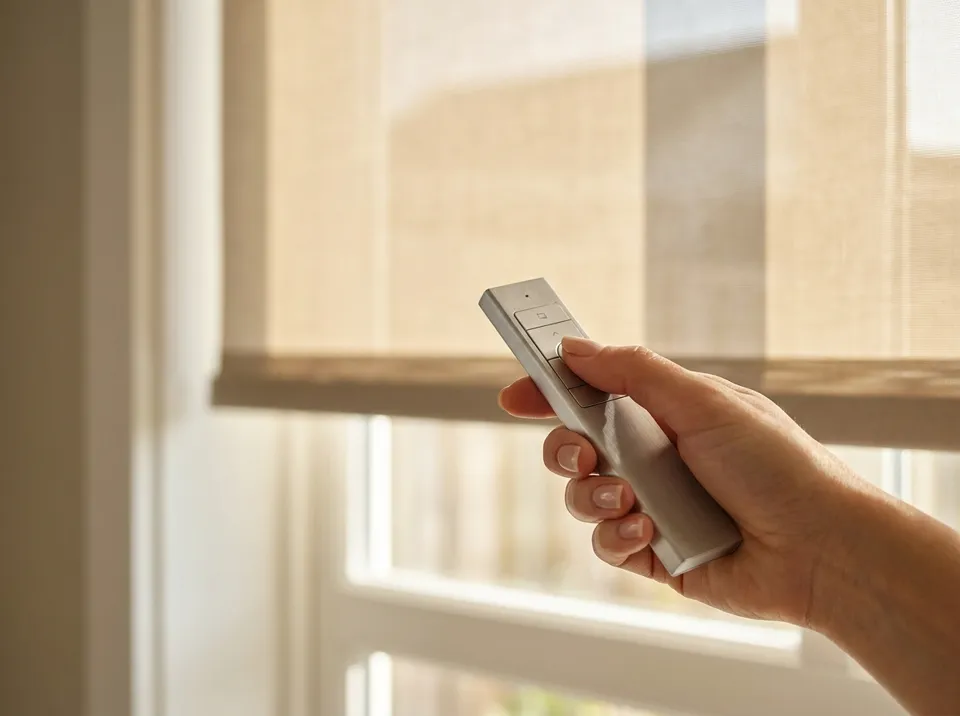
An unresponsive motorized shade can have several causes, including power, controls, an obstruction, or a mechanical fault. Stop repeated commands if it strains, binds, or makes unusual sounds. Identify the model and follow its troubleshooting instructions rather than assuming a diagnosis or reset procedure.
- Motorized shade motor not responding usually means dead batteries or a lost pairing, not a broken motor.
- Recharge or swap batteries first; that fixes most no-response shades reported through 2026 service calls.
- Check the exact model’s troubleshooting guidance before resetting or changing pairing settings
- Hardwired shades that stop responding often trace back to a tripped breaker or a loose low-voltage wire.
- A motor that hums but won't move the shade signals mechanical failure and needs a professional look.
Why this matters
Homeowners often assume a silent motor means a failed part, then discover during a service visit that the batteries were simply dead. Motorized shades rarely fail outright in the first few years after installation; most "won't respond" calls in 2026 trace back to power, pairing, or programming, not the motor itself. Getting the setup right the first time prevents a good share of these calls, and running through how to program motorized window shades correctly is worth doing once so the remote, app, and motor stay in sync.
Rainier Blinds installs motorized shades across Auburn, Bellevue, and Tacoma, and the troubleshooting order below applies whether the shade came from a big-box store or a custom installer.
Motorized shade motor not responding? Do this first
Work through these steps in order before assuming the motor itself is dead.
- Check the power source. Confirm the battery pack shows a charge or the wall adapter is seated firmly; a partially unplugged transformer looks fine but delivers no power.
- Test the remote or app control. Swap in fresh batteries for a handheld remote, or force-close and reopen the app on your phone, since a frozen app is a common false alarm.
- Use the model-specific troubleshooting sequence before changing pairing settings. Do not hold a motor button based on a generic time interval; button functions differ and can alter saved settings.
- If the shade uses a hub or bridge, check its power and connection status using the manufacturer’s instructions. Confirm whether local control works before changing pairing or network settings.
- Factory reset only when the exact product’s troubleshooting instructions or supplier call for it. Record the existing setup first because saved pairing or travel settings may be lost.
- Listen for motor sound during operation. A humming or clicking motor that doesn't move the shade means the drive gears or clutch have failed and the fix is mechanical, not electronic.
Battery-powered shade motor not responding
Battery-powered motors are the most common no-response call because the battery pack drains without an obvious warning light on many models. Cold rooms and unheated sunrooms drain lithium battery packs faster than climate-controlled rooms, so a shade that worked fine in summer can go quiet in a Pacific Northwest winter.
Check the battery contacts for corrosion before assuming the pack itself has failed; a quick wipe with a dry cloth restores contact on packs that look dead. For a longer-term fix, reviewing motorized shade battery maintenance cuts down on repeat no-response calls significantly.
Hardwired shade motor not responding
Hardwired motors pull from a dedicated low-voltage transformer, and the most common failure point isn't the motor at all, it's the transformer or the breaker feeding it. Check the breaker panel first, then confirm the low-voltage wire at the headrail hasn't pulled loose or been pinched during other work near the window.
A hardwired motor that lost programming after a power outage needs the same re-pair sequence as a battery unit, just accessed through the wired remote or wall switch instead of a handheld.
Smart hub or app won't control the shade
When the shade responds to a manual pull but not to the app, the problem sits between the hub and the motor, not inside the motor. Confirm the hub's wifi connection first, since a router restart or an internet outage drops hub connectivity without any visible change to the shade itself.
If the hub shows connected but the shade still won't respond, remove the shade from the hub's device list and re-add it. Homeowners setting up a system for the first time should reference pairing motorized shades with a smart home hub to avoid the channel conflicts that cause this exact problem.
Why a motorized shade motor stops responding
- Dead or low battery in a battery-powered unit, especially after a cold stretch
- Lost pairing between the remote or app and the motor's radio channel
- Dropped hub connection after a router restart, firmware update, or power outage
- Obstructed track or fabric causing the motor's overload protection to stop the shade mid-cycle
- Loose or pinched low-voltage wiring on hardwired systems
- Worn drive gears or clutch on motors that have been in daily use for several years
Get a in-home consultation
Rainier Blinds measures, consults, and installs motorized shades across the Greater Seattle Area.
When to call a professional for a motorized shade motor
Stop repeated operation if the shade hums, grinds, binds, or trips a breaker. Contact the supplier or an appropriately qualified professional; the symptom alone does not identify the fault, and repeated resets are not a repair.
Comparing the time spent testing batteries and re-pairing remotes against what professional repair typically costs for similar electronics helps you decide when to stop troubleshooting and book a visit. Rainier Blinds' installation crew in Auburn, WA troubleshoots motor issues on every motorized shade system they install across Bellevue, Tacoma, and the rest of the Greater Seattle Area, and handles the fix directly instead of routing you back to a manufacturer's call center.
Related questions
Why does my motorized shade only work sometimes?
Intermittent response almost always means a weak wifi signal at the hub or a battery pack running low rather than dead, so the motor responds on some attempts and drops others. Move the hub closer to the router or recharge the battery pack fully to confirm which one is causing the gap.
Can a motorized shade motor be reset without an app?
Reset procedures differ by motor and controller. Follow the instructions for the exact model only when a reset is appropriate for the symptom; a generic button sequence can erase settings or change travel limits.
Do motorized shade batteries need to be replaced every year?
Rechargeable lithium battery packs typically last through several years of normal use before needing replacement, not a yearly swap, though usage frequency and cold storage rooms shorten that window. A pack that won't hold a charge after a full recharge cycle is the clearest sign it needs replacing.
FAQ
Why is my motorized shade motor not responding at all?
A motorized shade motor not responding is most often caused by a dead battery, a lost remote pairing, or a dropped hub connection rather than a failed motor. Working through power, then pairing, then hub checks in order resolves most cases without a service call.
How do I reset a motorized shade motor?
Reset procedures differ by motor and controller. Follow the instructions for the exact model only when a reset is appropriate for the symptom; a generic button sequence can erase settings or change travel limits.
Is a humming motorized shade motor broken?
A motor that hums or clicks but doesn't move the shade usually has worn drive gears or a jammed track, which is a mechanical failure, not a battery or pairing issue. This is the clearest sign to call a professional instead of continuing to troubleshoot.
Why did my motorized shades stop responding to the app?
App control failures usually trace back to the hub, not the motor, most commonly a dropped wifi connection after a router restart or firmware update. Restarting the hub and re-adding the shade to the device list fixes the majority of these cases.
Do cold rooms drain motorized shade batteries faster?
Yes, unheated sunrooms and cold rooms drain rechargeable battery packs faster than climate-controlled spaces, which is why shades that worked fine in summer can go quiet in a Pacific Northwest winter. A full recharge in a warmer room often restores normal function.
Can I fix a motorized shade motor myself in 2026?
Most no-response issues in 2026, including dead batteries, lost pairing, and dropped hub connections, are fixable without tools or a technician. Mechanical failures inside the motor housing are the exception and need a professional.
Should I replace or repair an unresponsive shade motor?
Choose repair or replacement after the actual fault, parts availability, condition, warranty, and cost have been assessed. Sound or lack of response alone is not enough to make that decision.
One last thing
The single most overlooked fix is the hub reboot: a router restart or ISP outage drops the hub's wifi connection without any visible warning, and the shade looks broken when the network is actually the problem. Unplug the hub for 10 seconds, plug it back in, and wait for it to reconnect before testing anything else in 2026's growing lineup of app-controlled shade systems.
Related guides
In-home consultations are free within 60 driving miles of Auburn. Farther projects are considered individually; any consultation fee is quoted before booking and credited toward your order.