
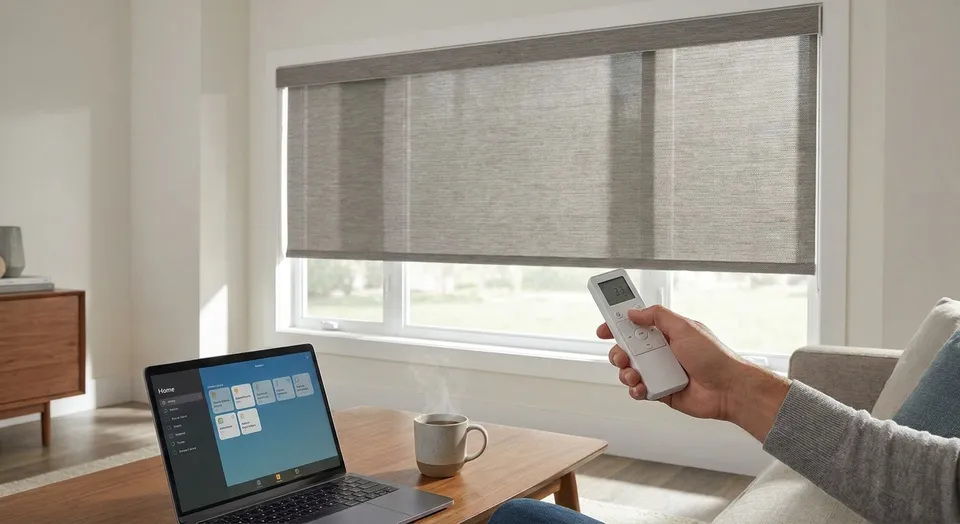
How to program motorized window shades

Programming motorized window shades takes 10 to 20 minutes per remote, whether you're setting travel limits on a single roller shade or grouping twelve shades into one whole-home scene for 2026's smart-home standards. This guide walks through the setup for RF and app-based systems, the mistakes that cause shades to stop mid-travel, and when to stop troubleshooting and call in a pro.

TL;DR
  • Programming motorized shades takes 10-20 minutes per remote when travel limits are set correctly.
  • Most failed pairings trace back to skipping the hub reset step, not a bad motor.
  • Somfy and Lutron systems both support group scenes for up to 32 shades on one remote in 2026.
  • Rainier Blinds sets programming during install, but re-pairing after a battery change is a homeowner job.

Why this matters

Motorized shades fail to respond for one of three reasons: a dead battery, a lost pairing, or wrong travel limits. None of those require replacing the motor.

Homeowners in the Auburn and Kent area frequently call after a power outage or a battery swap wipes the remote's memory. Re-programming from scratch avoids an unnecessary service call and gets shades back on schedule the same day.

Custom motorized shades installed by Rainier Blinds ship with the hub and remote pre-paired, but any battery change, hub reset, or new remote purchase resets that pairing. Knowing the steps below means you handle it yourself in under 20 minutes instead of waiting on a technician.

What you'll need

  • The remote or app that shipped with your motorized shades (Somfy, Lutron, or a comparable RF system)
  • The shade's motor ID or serial number, usually printed on a sticker inside the headrail
  • A ladder or step stool if the headrail sits above 8 feet
  • Fresh batteries for the remote (most run on 2 AA batteries and last 12-18 months)
  • The shade's original programming card, if Rainier Blinds installed it
  • A smartphone with the manufacturer's app installed, for app-based systems

The steps

1. Reset the shade's memory

Every motorized shade motor has a factory reset. Hold the PROG or SET button on the motor (usually a small pinhole near the headrail) for 5 seconds until the shade jogs up and down once.

This clears any existing remote pairing and travel limits. Skip this step and the shade may respond to the old remote code, causing two remotes to fight for control of the same motor.

Common mistake: holding the button for less than 3 seconds. The jog confirms the reset — no jog means try again.

2. Pair the remote to the motor

Point the remote at the shade from within 3 feet and press and hold the channel button until the shade jogs again. This confirms the pairing.

For app-based systems like Lutron's Serena line, open the app, select Add Device, and follow the on-screen prompt to hold the motor's program button during discovery. Pairing typically completes in under 30 seconds.

Common mistake: standing more than 10 feet away during pairing. RF signal strength drops fast through walls — stay in the same room.

3. Set the upper travel limit

Run the shade up using the remote until it reaches the top of the window opening. Press and hold the UP limit button until the motor jogs, locking that position as the ceiling.

An incorrect upper limit is the single most common reason a shade stops short or keeps climbing into the headrail housing, straining the motor over time.

4. Set the lower travel limit

Run the shade down to where you want it to stop — usually the sill or 1 inch above the floor for full-length shades. Hold the DOWN limit button until it jogs.

Getting this right the first time matters: on cellular and roller shades, an over-extended lower limit puts constant tension on the fabric roll, which shortens the motor's working life.

5. Test the full cycle twice

Run the shade from fully open to fully closed and back, twice, watching for smooth stops at both limits with no grinding or hesitation.

If the shade stutters at either end, the limit wasn't saved correctly — repeat steps 3 and 4.

6. Group multiple shades into one scene

For whole-room control, most systems support grouping under one channel. On a Somfy remote, hold two channel buttons together for 5 seconds to merge them; on the app, create a Room or Scene and add each shade by its motor ID.

A 2026-era hub from Somfy or Lutron supports up to 32 shades per system, which covers a full home's worth of motorized shades on a single app screen.

7. Set a schedule (optional)

App-based systems let you schedule shades to open at sunrise and close at sunset, adjusting automatically as daylight hours shift through the year. This step is optional but cuts manual remote use to near zero once set.

Get shades programmed right the first time

Rainier Blinds pairs and sets travel limits during every motorized install.

Get a quote

Troubleshooting

  • Shade won't respond to any remote button. Check the battery in the remote first — a weak battery is the cause more often than a motor fault. Swap in fresh AAs and retry pairing.
  • Shade stops a few inches before the sill. The lower limit was set too high. Repeat step 4 and hold the DOWN button until you feel the second jog, not the first.
  • Two shades respond to the same remote press. They were paired on the same channel by mistake. Reset one shade's memory (step 1) and re-pair it to a different channel.
  • Shade jogs during reset but won't take a new limit. The motor's memory wasn't fully cleared. Hold the reset button for a full 8 seconds this time, then start over from step 2.
  • App shows the shade as offline. Restart the hub by unplugging it for 30 seconds. Most hub-based dropouts in 2026-model systems resolve with a power cycle, not a re-pair.
  • Shade runs but the schedule never triggers. Confirm the hub's WiFi connection in the app settings — scheduling requires an active internet connection, unlike direct remote control.

Tools and resources

What to do next

Once programming is confirmed and the schedule is set, the next decision most homeowners face is whether their existing shade type still fits the room. If you're weighing a swap from manual to motorized, or comparing fabric types before your next order, the breakdown in custom window treatments in Auburn, WA covers which fabric holds up better with a motor doing the daily work.

FAQ

How do I program motorized shades without the original remote?

Most systems let you pair a replacement remote using the motor's reset button — hold the pinhole button for 5 seconds until the shade jogs, then pair the new remote within 3 feet. The original remote is not required if you have physical access to the motor.

Why won't my motorized shade respond to the remote in 2026 after a battery change?

A battery change in the remote sometimes clears saved channel settings, breaking the pairing to the motor. Re-pair by holding the channel button until the shade jogs once, confirming the connection.

Can I control multiple motorized shades with one remote?

Yes — most Somfy and Lutron systems group up to 32 shades under one channel or app scene as of 2026. Hold two channel buttons together for 5 seconds on a physical remote to merge them.

How long does it take to program a motorized shade?

Programming a single motorized shade takes 10 to 20 minutes including reset, pairing, and setting both travel limits. Grouping several shades into a scene adds another 5 to 10 minutes.

Is Lutron or Somfy better for motorized shade programming?

Both systems support app-based scheduling and remote pairing with comparable setup times in 2026. The better fit depends on which smart-home ecosystem you're already using, since both integrate with major hub platforms.

What do I do if my motorized shade stops at the wrong position?

An incorrect stop point almost always means the travel limit was set wrong, not a motor fault. Re-run the up or down limit-setting step and hold the button until you feel the confirming jog.

Do motorized shades need WiFi to work?

No — direct remote control works over RF without any internet connection. WiFi is only required for app-based scheduling, voice control, or remote access when you're away from home.

One last thing

The most overlooked step isn't programming at all — it's writing down the motor ID before you start. Homeowners who lose that sticker inside the headrail end up calling for a service visit just to identify which shade is which, a call that a $2 sticky note in a drawer would have prevented.

Related guides