
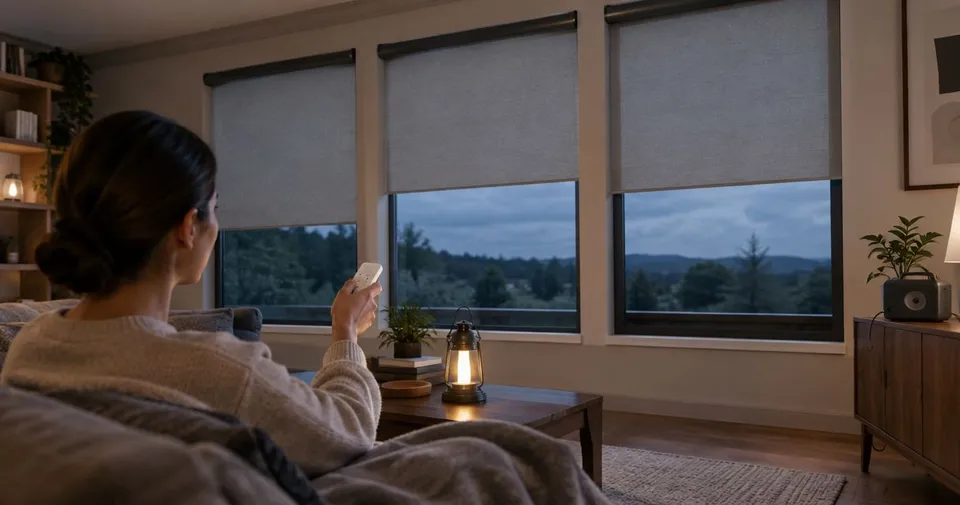
A power outage does not affect every motorized shade the same way. A battery-powered shade may still move while a wired shade stops. Even with a charged motor, app control can become unavailable if the equipment it depends on loses power. The useful question is whether your particular shade has both power and a working control.
Identify the power source in each room
Check your installation paperwork or an accessible label to find out whether the shade uses a rechargeable battery, replaceable batteries, a plug-in supply, or a wired supply. Do not assume every window in the house has the same setup.
Battery-powered motors can keep operating while sufficient charge remains. Plug-in and wired motors need their normal electrical supply or a compatible backup arrangement. A home generator or battery helps only if it supplies the required circuit and equipment. Have a qualified electrician confirm that arrangement; do not improvise a connection to a shade motor.
Make a short household note with each shade's power type, control location, and charging instructions. That is more useful during an outage than trying to identify components in the dark.
Prepare batteries and local controls
For rechargeable shades, follow the product's charging instructions and keep the approved charger accessible. Check the handheld remote's battery as well. A charged shade is of little use if its only available control has a flat battery.
Use the normal control to check operation before severe weather arrives. If a shade already moves unevenly, catches, or fails to respond, address that separately. An outage plan will not resolve an existing mechanical or control problem. Our battery care guide covers charging access and what to record when performance changes.
Find out what works without the app
Try the compatible handheld remote or wall control instead of your phone. Confirm from the system instructions whether that control communicates directly with the shade or depends on another powered device.
App commands, schedules, voice control, and remote access can have different requirements. Keeping a router powered does not establish that all of those features will work. Check the complete setup, including any hub or bridge, before choosing backup equipment. If you test an outage routine, disconnect only user-accessible plug-in equipment as permitted by its instructions.
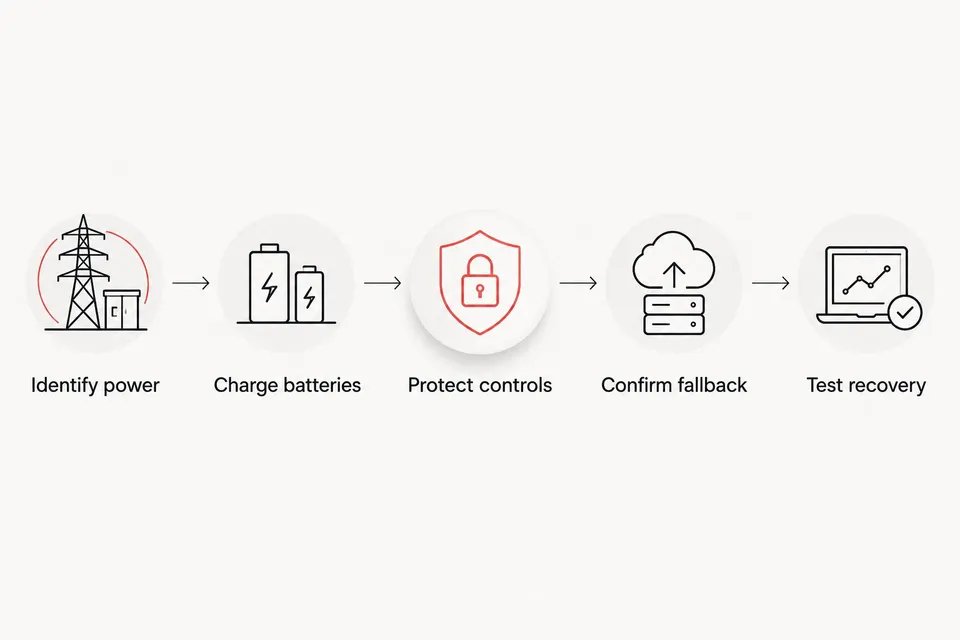
Test the complete path from power source to control before an outage happens.
Choose a useful position before the outage
If continued operation is uncertain, set the shades while power is available. You might close street-facing windows for privacy and leave another window open to daylight. Choose positions that suit how you will use each room.
Do not assume a motorized shade has a manual override. Use one only if the exact product includes it and its instructions explain how. Pulling the fabric, twisting the roller, or lifting the bottom rail can damage a system that is intended to move under motor power.
Restart carefully when power returns
Allow connected equipment to restart, then test the normal control. If the remote works but the app does not, note that difference before changing settings. Avoid resetting the motor or adjusting travel limits just because the hub has not reconnected yet.
For a shade that remains unresponsive, follow its troubleshooting guide and record what happened. The room, power type, working controls, and any indicator lights will help identify the next step. See our programming guide for the information to gather before changing a setup.
When planning new shades, include outage behavior in the conversation about power and controls. Contact Rainier Blinds to discuss options for your windows.
Common questions
Can battery-powered shades work when the electricity is out?
They can operate while enough battery charge remains and a compatible control is available. Confirm whether that control depends on a hub or other powered equipment.
Can I pull a motorized shade open by hand?
Only use a manual method specifically included in the product instructions. Do not force the fabric or bottom rail.
Should I reset the shade after an outage?
Restore power and let connected equipment restart first. Follow the exact product troubleshooting guidance before resetting a motor or changing its limits.